Introduction
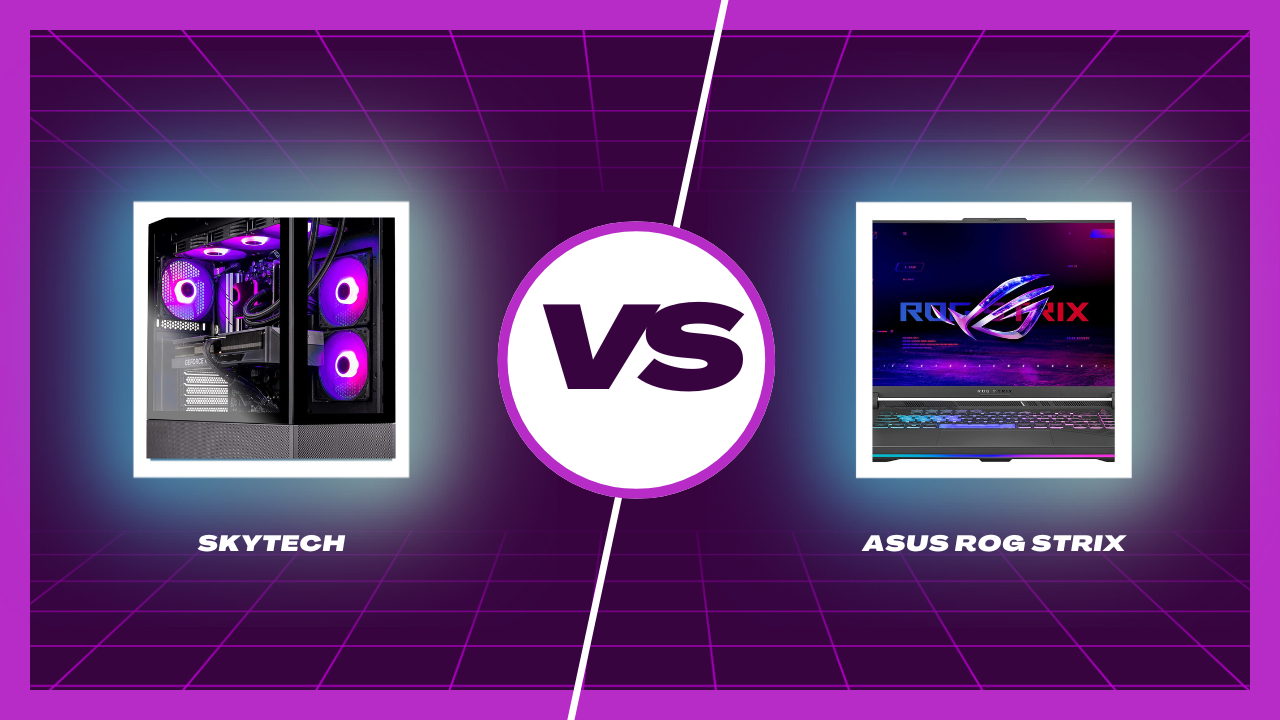
Let’s face it – the eternal debate of gaming PC vs gaming laptop is alive and well in 2025. Whether you’re grinding through Elden Ring or exploring the post-apocalyptic landscapes of Fallout, your gear matters. In this corner, we’ve got the Skytech Gaming PC, a tower of power. And in the other corner? The ASUS ROG Strix G16, a beast you can throw in your backpack.
So which one’s better for gaming? Let’s dig in.
Meet the Contenders
Skytech Gaming PC – Desktop Beast
This custom-built desktop doesn’t mess around:
- CPU: Intel Core i7-12700F @ 2.1 GHz
- GPU: NVIDIA RTX 4070 Ti
- Storage: 1TB NVMe SSD
- RAM: 16GB DDR4 @ 3200MHz
- Cooling: 360mm AIO liquid cooler
- PSU: 750W Gold Certified
- OS: Windows 11 Home 64-bit
- Connectivity: 11AC Wi-Fi
Pure power, neatly packed in a sleek black chassis.
ASUS ROG Strix G16 – Portable Powerhouse
ASUS brings the heat in laptop form:
- CPU: Intel Core i7-13650HX
- GPU: NVIDIA GeForce RTX 4060
- Storage: 1TB PCIe Gen4 SSD
- RAM: 16GB DDR5
- Display: 165Hz Full HD
- OS: Windows 11
- Wi-Fi: 6E + Bluetooth
It’s light, fast, and ready to roll.
Performance Showdown
CPU Battle – Intel Core i7-12700F vs i7-13650HX
Both CPUs are 12th and 13th gen Intel powerhouses. The desktop version has more thermal headroom, meaning better sustained performance under load. The laptop i7-13650HX is impressive but slightly throttled to manage heat and battery life.
Winner: Skytech (Desktop CPU = Better sustained performance)
GPU Matchup – RTX 4070 Ti vs RTX 4060
This one’s no contest. The RTX 4070 Ti wipes the floor with the RTX 4060 in raw power, ray tracing, and DLSS performance. If you’re serious about 4K or VR gaming, the Skytech system has you covered.
Winner: Skytech (RTX 4070 Ti is a league above)
RAM & Storage Comparison
Both systems come with 16GB RAM and 1TB SSDs. However, the laptop has DDR5 – faster than the desktop’s DDR4. That said, RAM speed differences are minimal in most games.
Winner: Tie
Cooling Solutions – Desktop vs Laptop Thermals
The Skytech PC has a 360mm AIO liquid cooler. The laptop? Compact fans and smart thermal profiles. For extended gaming, the desktop stays cool and quiet. Laptops get loud and warm.
Winner: Skytech
Gaming Experience
Frame Rates & Visual Fidelity
Want high FPS at ultra settings? The Skytech delivers. While the ASUS ROG holds up well at 1080p and medium/high settings, the desktop hits 4K at ultra with ease.
Winner: Skytech
Display Differences – Monitor vs Built-in Display
The ROG Strix G16 has a 165Hz display out of the box – buttery smooth. But desktops can pair with any high-end monitor you choose, including 240Hz 4K giants.
Winner: Depends on your setup. Laptop wins for built-in display. Desktop wins if you invest in a top-tier monitor.
VR and High-End Game Compatibility
Both can handle today’s VR titles, but the Skytech’s RTX 4070 Ti gives it the edge in more demanding titles.
Winner: Skytech
Portability & Design
Size, Weight, and Form Factor
No surprise here. The ASUS ROG wins for portability hands down. Throw it in your bag and go. Skytech? Not unless you want to haul a tower and monitor around.
Winner: ASUS ROG Strix G16
Mobility and Convenience
Laptops shine here. Need to game at a friend’s house or take it to college? No problem. Desktop users are locked to one place.
Winner: ASUS ROG
Upgradeability
Desktop Upgrade Paths
Want to add more RAM, swap the GPU, or upgrade the CPU in a few years? Easy. The Skytech makes it effortless.
Winner: Skytech
Laptop Limitations
Upgrading laptops is tough. RAM might be upgradable, but GPUs and CPUs are usually soldered in.
Winner: Skytech
Connectivity and Features
Ports and Expansion Options
Desktops come with more USBs, HDMI, DisplayPorts, and space for expansion cards. Laptops keep things minimal.
Winner: Skytech
Wi-Fi and Bluetooth Support
The ROG wins with Wi-Fi 6E, faster and more stable than the Skytech’s 11AC Wi-Fi.
Winner: ASUS ROG
Power Efficiency and Battery Life
Energy Consumption
Desktops consume more power – period. Laptops are optimized for efficiency.
Winner: ASUS ROG
Gaming on the Go
The ROG gives you freedom. You can game unplugged (though not for long), but at least you have the option.
Winner: ASUS ROG
Price and Value for Money
Prices can vary, but typically, a desktop like the Skytech offers more power per dollar spent. You’re paying for performance. The laptop, though slightly more expensive for less power, offers portability.
Winner: Depends on priorities – Skytech wins for raw value, ROG wins for flexibility.
Who Should Buy What?
Best for Hardcore Gamers
If you care about ultra settings, VR, future-proofing, and upgrade options – go desktop.
Go with: Skytech Gaming PC
Best for Students and Travelers
Need something you can carry to class or a friend’s house? Want to game and work on one device?
Go with: ASUS ROG Strix G16
Conclusion
So, who wins the Skytech vs ASUS ROG Strix G16 gaming battle? Honestly, it depends on your lifestyle.
- Want the best performance and long-term upgradeability? Go desktop.
- Need portability and convenience? Go laptop.
Both are excellent machines. Just pick the one that fits your game.
FAQs
1. Is a gaming desktop better than a gaming laptop?
Yes, in terms of raw performance and upgrade options